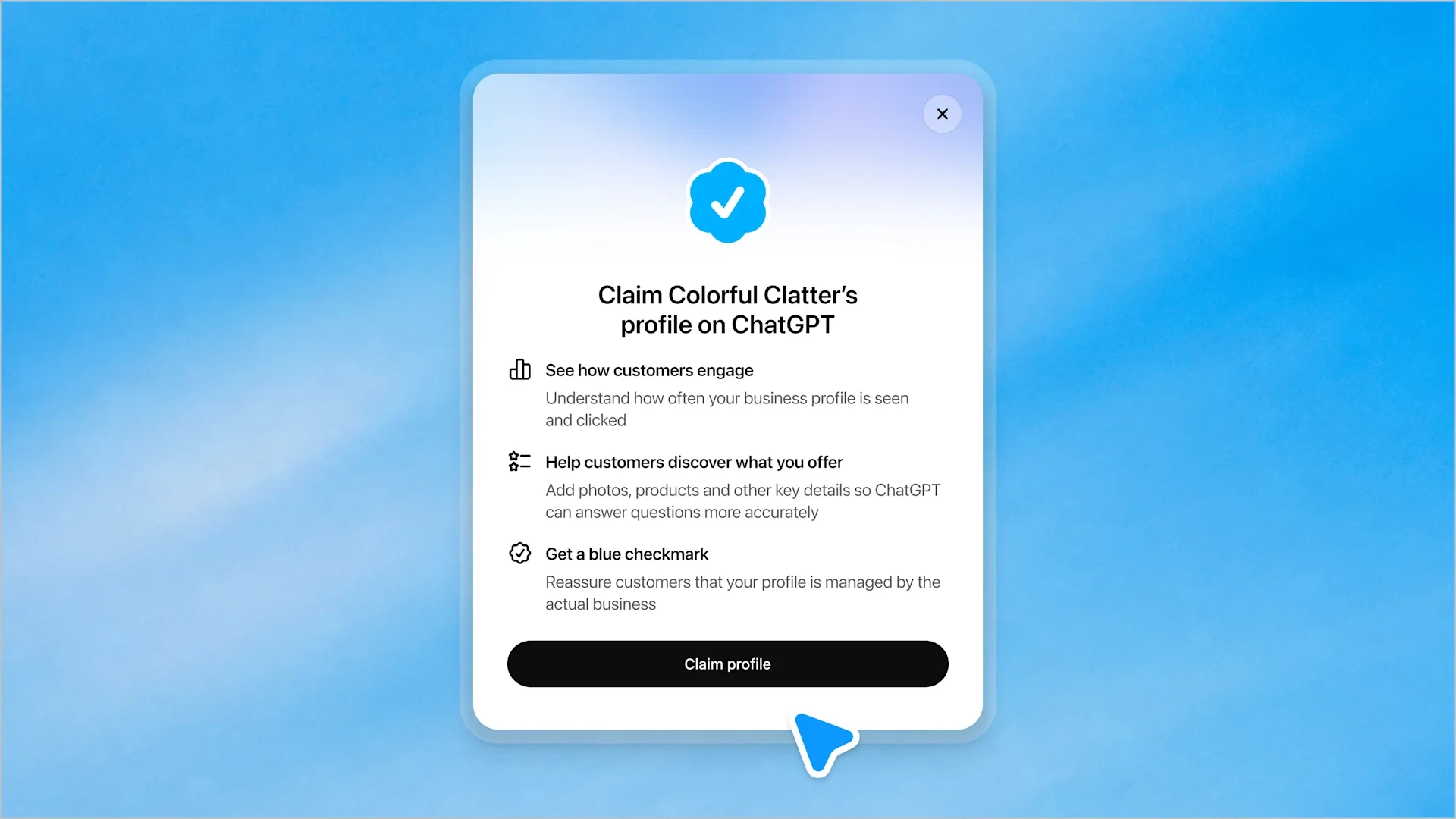
Go to chatgpt.com/business-hub, search for your business, select the right listing or create one, choose a verification method and pass the identity check. You must be the owner or an authorised representative, and you need a website. Claiming is free during the beta.
Claim first, then fix the facts
Open ChatGPT Business Hub, find your business, pick the correct listing and verify that you are allowed to manage it. That takes a few minutes. The harder and more valuable job comes afterwards: making sure the details ChatGPT holds about you are right, and that your own website gives it clear facts to cite. Web SEM is a Cape Town SEO agency, founded in 2008, working for South African and global clients. We are not affiliated with OpenAI, so everything below is a plain walkthrough from the outside.
Two terms are worth fixing in your head. OpenAI is the company behind ChatGPT. Businesses in ChatGPT is the beta programme it launched on 10-Nov-2026. ChatGPT Business Hub is the dashboard that programme runs through.
| Who can claim | Cost | Needs |
|---|---|---|
| Owners or authorised representatives of eligible businesses where ChatGPT is available | Free during the beta | A website |
What ChatGPT Business Hub is
Business Hub is OpenAI's dashboard for claiming a business in ChatGPT, correcting its details and seeing how often it is mentioned. Until it opened, owners had almost no say in what ChatGPT said about them. OpenAI describes the beta as a new way to reach the 1.2 billion people it says use ChatGPT each week.
Video and screenshots: OpenAI, from its Businesses in ChatGPT announcement.
What you can do once verified
A verified business can update its key details and add product feeds with pricing and availability. It can also view insights such as mentions and website clicks. Verified profiles show a blue checkmark.
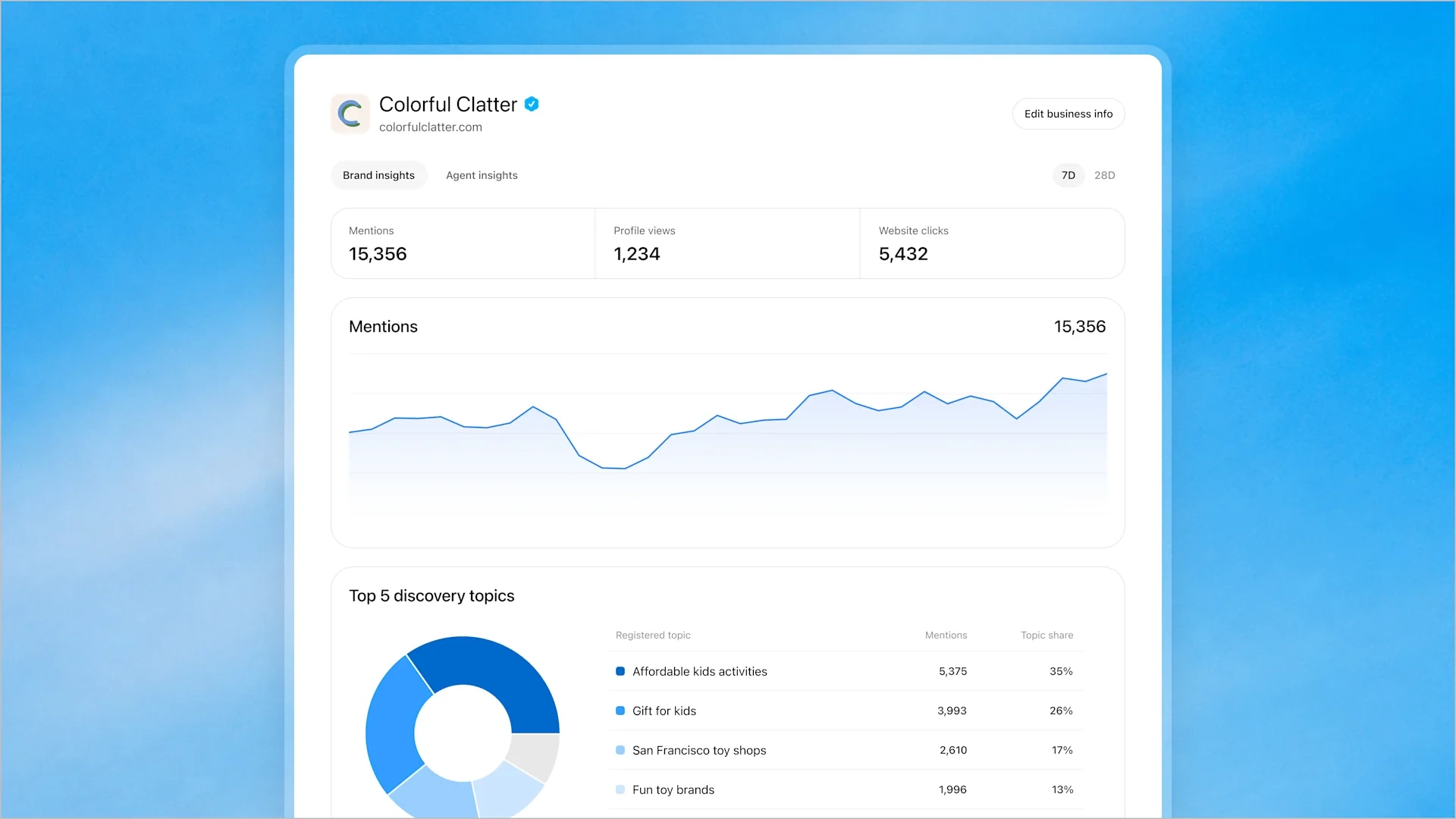
How to claim your business, step by step
- Open chatgpt.com/business-hub and sign in.
- Search for your business name.
- Read every result before you click anything.
- Select your listing, or choose the option to create a new one if yours is missing.
- Choose a verification method from the options Business Hub offers.
- Pass the identity check that proves you are the owner or an authorised representative.
- Wait for the approval screen. From there you can manage the profile.
Check for old or duplicate listings first
Step 3 is where owners go wrong. One business that searched for itself found its current office, an older address in another town and several similarly named businesses elsewhere. ChatGPT may already hold an outdated address or a duplicate for you. Claim the correct listing, because you want to be the one telling ChatGPT which record is right. Creating a new listing while a correct one exists adds another record to a list that is already cluttered.
Enterprise customers, advertisers and Shopify merchants
If you are an existing Enterprise customer or an advertiser, you can work with your OpenAI representative. Shopify merchants can connect their store to speed up verification. If you sell online, read preparing your online store for ChatGPT alongside this page, since product data feeds into how you appear.
Who can claim, and what it costs
Any eligible business located where ChatGPT is available can claim. You do not need an Ads account or an Enterprise plan. Claiming is free during the beta, but OpenAI has not ruled out charging in future, so treat free as the current position and not a promise.
Local stores and restaurants
For now, local stores and restaurants can only claim a listing ChatGPT already has, and only in the US. Business Agents, which are customer-facing assistants published inside ChatGPT, are for eligible US e-commerce and online service businesses. If you are outside the US, check what Business Hub offers you when you search, and do not plan around features that are limited to US merchants.
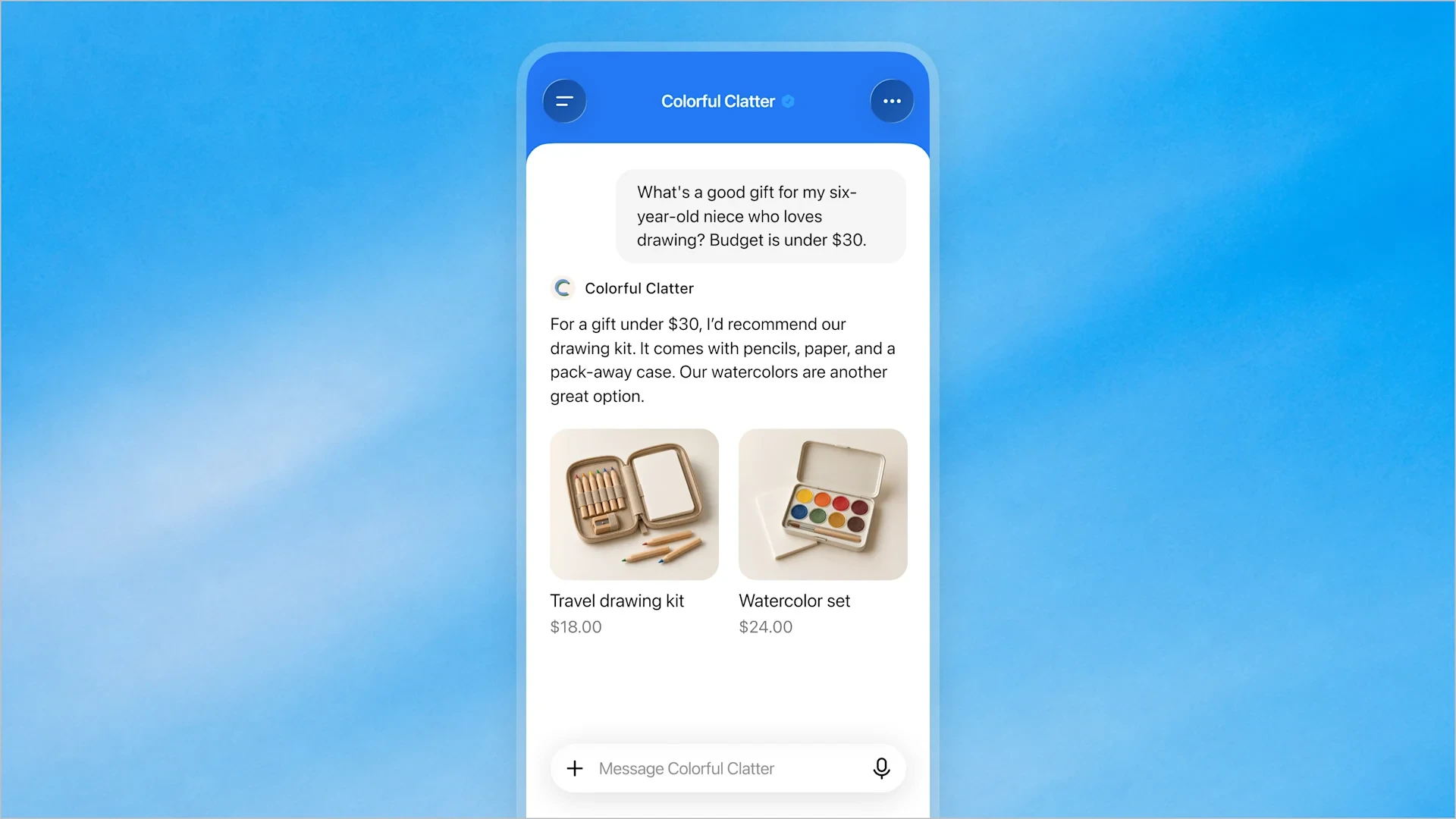
What to do after you claim
Check that your business name, address, website and product details match your own site and your Google listing. Mismatches give an AI system two answers to choose from. If your Google details are out of date, update your Google business listing first. Note that a Google listing only suits businesses that serve customers at a physical location or within a service area.
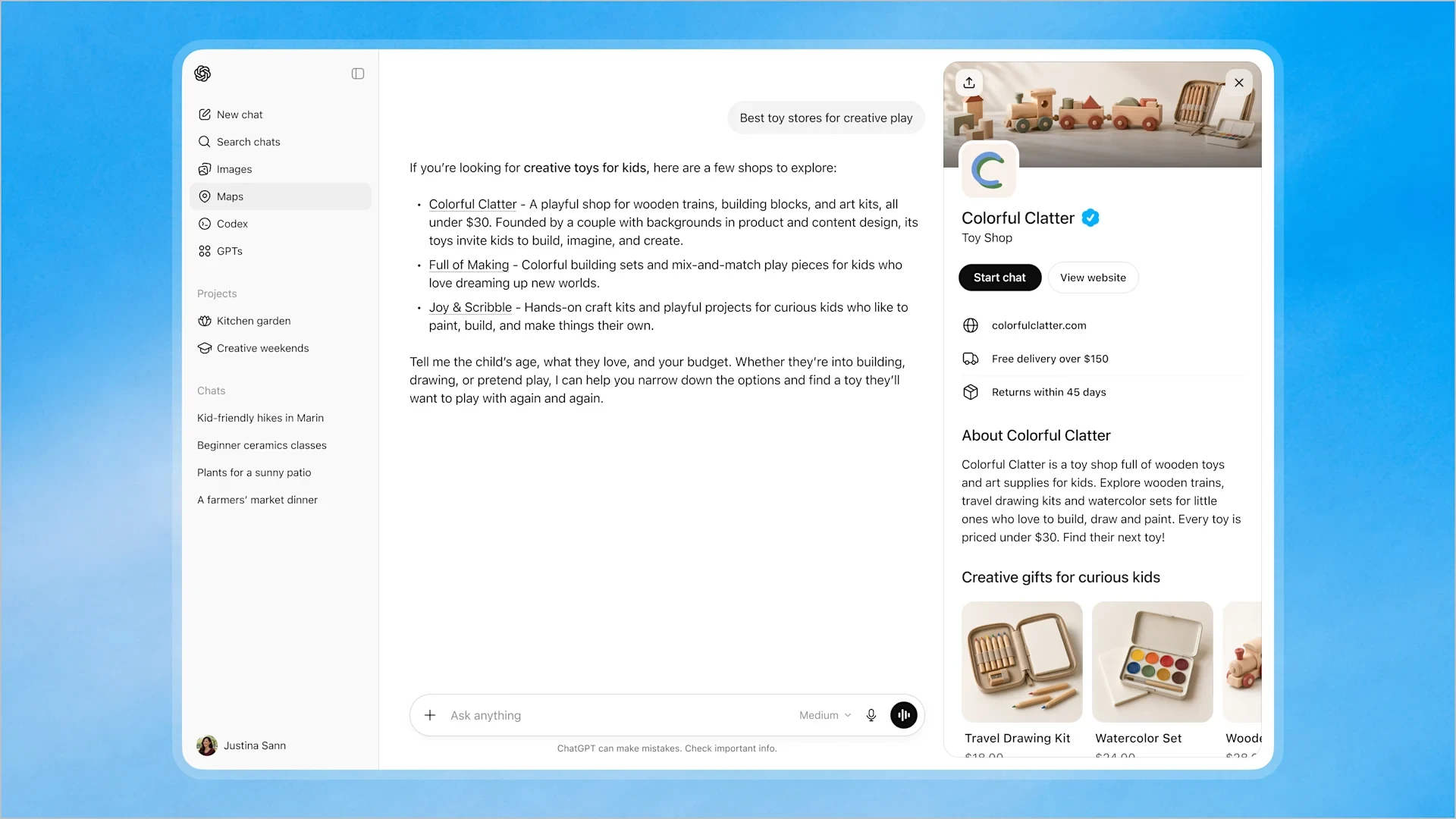
Then publish pages ChatGPT can cite with confidence. Pages that answer common questions directly, name the business in context and include specific data points are far more likely to be referenced. Our guide on how to appear on ChatGPT covers this in more detail. Stay within a defined set of topics and go deep, because thin content across unrelated subjects dilutes your authority.
If ChatGPT cannot read your site
One site owner found that ChatGPT reported a 403 Forbidden error on their blog while robots.txt allowed everything. The block sat elsewhere, so robots.txt alone does not prove AI crawlers can get in. Test whether your key pages can actually be fetched, and ask your host or developer to check firewall and security rules if they cannot.
What claiming does for your AI search visibility
Frequently asked questions
Go to chatgpt.com/business-hub, search for your business and check every result. Select the correct listing or create a new one, choose a verification method and pass the identity check. Once approved, you can manage the profile.
Yes, during the beta. OpenAI has not ruled out charging in the future, so the cost could change once the beta ends.
Yes. You also need to be the owner or an authorised representative of the business.
No. Existing Enterprise customers and advertisers can work with their OpenAI representative, but everyone else can claim directly through Business Hub.
Start by making sure ChatGPT has accurate facts about you, then publish clear, specific pages that answer your customers' questions. Our page on how to appear on ChatGPT explains the steps.