

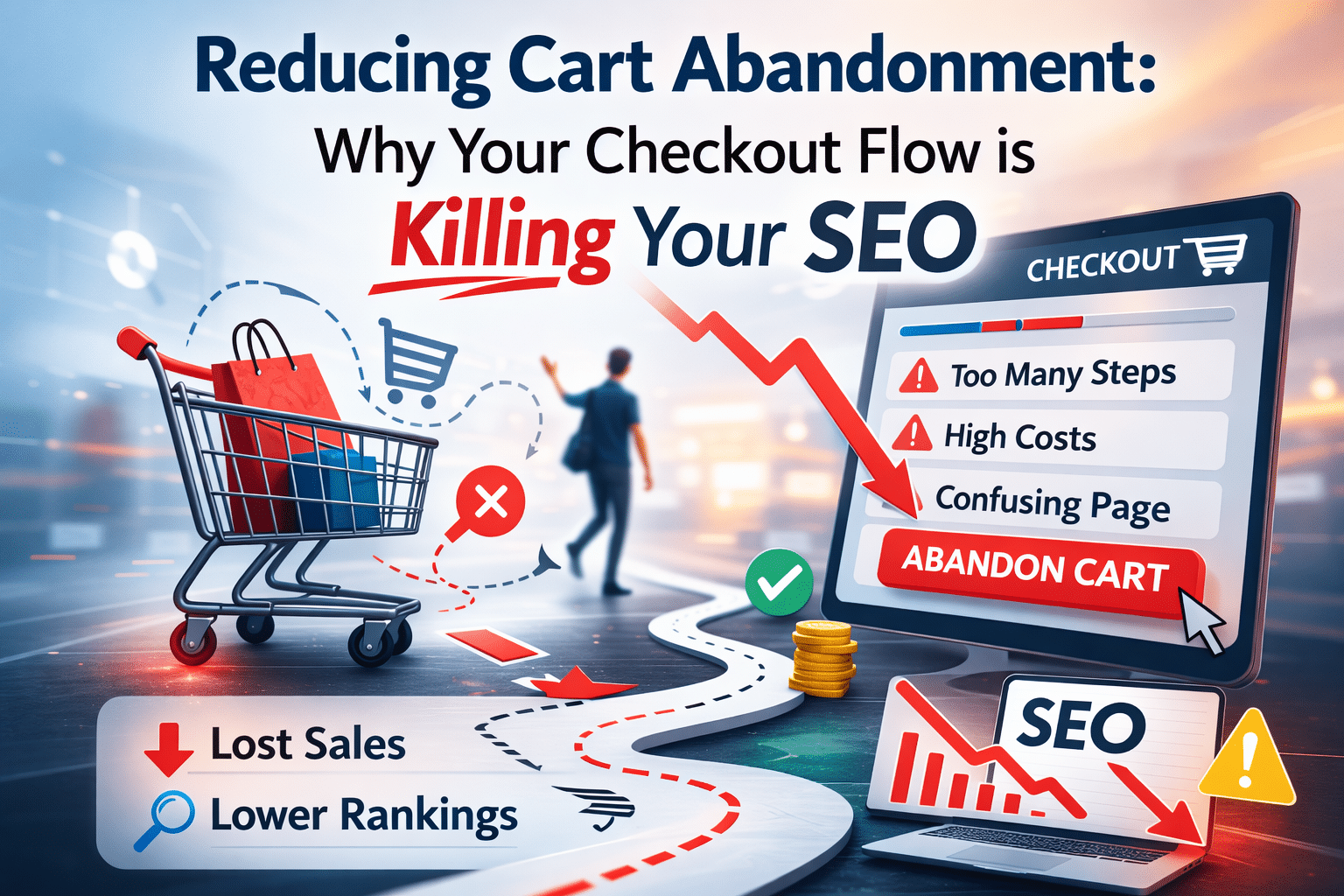
The shocking truth is that nearly 70% of online shopping carts are abandoned, a statistic that represents a significant revenue drain for e-commerce businesses. Friction in the checkout process, such as slow loading times and confusing steps, not only kills conversions but also sends negative signals to Google about poor user experience. Google considers engagement metrics and Core Web Vitals as ranking factors. A frustrating checkout experience can weaken your site’s topical authority and hurt rankings for commercial queries. Your checkout isn’t just a conversion hurdle; it’s quietly sabotaging your SEO and long-term organic revenue.
Key Takeaways
- High cart abandonment rates signal poor UX to Google.
- Slow checkout speeds impact Core Web Vitals and SEO.
- Friction points in checkout flow reduce conversions and rankings.
- Seamless checkout enhances topical authority and engagement.
- Technical fixes can improve speed and simplify the process.
Poor Checkout UX Signals Low Quality
A poor checkout experience creates high bounce and abandonment rates, which Google interprets as low-quality signals. When users leave your site during checkout, it indicates dissatisfaction, leading to a higher bounce rate. This metric is crucial for Google, as it reflects user engagement and satisfaction. A high bounce rate suggests that your site doesn’t meet user expectations, negatively impacting your SEO. For instance, if your checkout process is cumbersome, users are more likely to abandon their carts, sending a signal to Google that your site may not be the best result for shopping queries.
Slow Site Speed and Core Web Vitals
Site speed is critical, especially during checkout. Google’s Core Web Vitals, which measure speed, interactivity, and visual stability, are essential ranking factors. If your checkout takes too long to load, users will abandon their carts, affecting both your conversion rates and SEO. A delay in load times can frustrate users, leading to higher abandonment rates. This not only impacts your immediate revenue but also your site’s topical authority, as Google may rank your site lower for relevant queries. Ensuring a fast, smooth checkout process is crucial for maintaining both conversion rates and SEO rankings.
Friction Points in Checkout Flows
Friction points such as complicated steps, forced account creation, hidden fees, and lack of mobile optimisation can kill conversions and damage your SEO. Users expect a seamless experience, and any unexpected hurdles can lead to cart abandonment. For example, requiring users to create an account before purchasing can deter them, as it adds unnecessary steps. These friction points increase abandonment rates, sending negative signals to Google about your site’s user experience. Simplifying the checkout process by reducing steps and offering guest checkout options can improve both your conversion rates and SEO.
Seamless Checkout Strengthens Topical Authority
A seamless checkout process boosts purchase-intent engagement, enhancing your site’s topical authority. When users complete their purchases without issues, it indicates a positive user experience, which Google rewards with higher rankings. A smooth checkout process encourages users to return, increasing their time on site and reducing bounce rates. This improved engagement strengthens your site’s topical authority, making it more likely to rank well for commercial queries. By focusing on creating a user-friendly checkout experience, you can enhance both your conversion rates and SEO.
Technical Fixes for Checkout Optimization
To optimize your checkout process, focus on speed, form simplification, trust signals, and enabling guest checkout. Start by optimizing your site’s speed using tools like Google PageSpeed Insights to identify areas for improvement. Simplify forms by reducing the number of fields and offering autofill options. Add trust signals such as security badges and customer reviews to reassure users. Finally, enable guest checkout to reduce friction and improve user experience. These technical fixes can lead to quick wins for both revenue and SEO gains.
Mobile Checkout Pitfalls
With mobile traffic dominating e-commerce, optimizing your mobile checkout is crucial. Mobile users expect a fast, seamless experience, and any friction can lead to abandonment. Ensure your mobile checkout is optimized for speed and usability. Avoid small buttons and ensure forms are easy to fill out on mobile devices. A poor mobile checkout experience can lead to higher abandonment rates, negatively impacting your SEO. By focusing on mobile optimization, you can improve both your conversion rates and SEO rankings.
Measuring and Monitoring Checkout Performance
Use tools like Google PageSpeed Insights, abandonment analytics, and engagement metrics to monitor your checkout performance. Regularly track your site’s speed and user engagement to identify areas for improvement. Analyze abandonment rates to understand where users drop off in the checkout process. By measuring and monitoring these metrics, you can make data-driven decisions to improve your checkout process and enhance both your conversion rates and SEO.
Frequently Asked Questions
How can I fix cart abandonment issues on my e-commerce site?
To fix cart abandonment issues, start by identifying friction points in your checkout process. Common issues include slow loading times, complicated steps, and mandatory account creation. By simplifying the checkout process and ensuring it loads quickly, you can reduce abandonment rates and improve user experience.
Additionally, consider enabling guest checkout and displaying trust signals such as security badges and customer reviews. These changes can reassure users and encourage them to complete their purchases. Regularly monitor your site's performance using tools like Google PageSpeed Insights to ensure ongoing optimisation.
What is the formula for calculating cart abandonment rate?
The cart abandonment rate is calculated by dividing the number of completed purchases by the number of initiated transactions, subtracting the result from one, and then multiplying by 100 to get a percentage. This formula helps you understand the proportion of users who leave without completing their purchase.
For example, if 100 users add items to their cart but only 30 complete the purchase, the cart abandonment rate would be 70%. Monitoring this metric is crucial for identifying issues in your checkout process and improving conversion rates.
Why do people abandon their shopping carts?
People abandon their shopping carts for various reasons, including unexpected costs, complicated checkout processes, and concerns about payment security. Slow site speeds and lack of mobile optimisation can also contribute to high abandonment rates.
Understanding these reasons can help you address the underlying issues. For instance, by clearly displaying all costs upfront and ensuring a fast, secure checkout process, you can reduce abandonment rates. Offering multiple payment options and guest checkout can also enhance user experience and encourage completion of the purchase.
What is the abandon cart method and how does it work?
The abandon cart method involves strategies to recover potential sales from users who left items in their shopping cart without completing the purchase. This often includes sending reminder emails or offering discounts to encourage users to return and finalise their transaction.
Implementing an effective abandon cart strategy can significantly improve your conversion rates. Automated emails with personalised messages and incentives can remind users of their intended purchases. Additionally, analysing abandonment data helps refine your approach and address common barriers in the checkout process.
Why is shopping cart abandonment a problem for online businesses?
Shopping cart abandonment represents a significant loss of potential revenue for online businesses. High abandonment rates indicate issues in the user experience, which can negatively impact your site's SEO and overall performance.
Google interprets high abandonment rates as poor user engagement, potentially lowering your site's rankings. By improving the checkout process, you not only enhance user satisfaction but also strengthen your site's topical authority and search engine visibility. Addressing abandonment issues is essential for maximising both revenue and SEO benefits.